SKU: OT3499 Número de artículo: AA431 EAN: 8720618489661

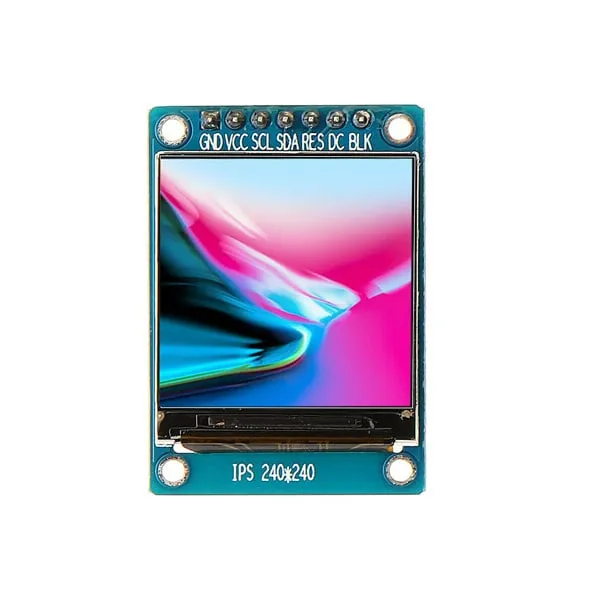
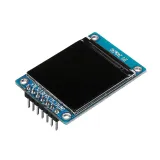
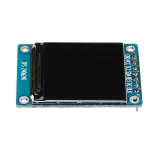
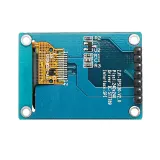
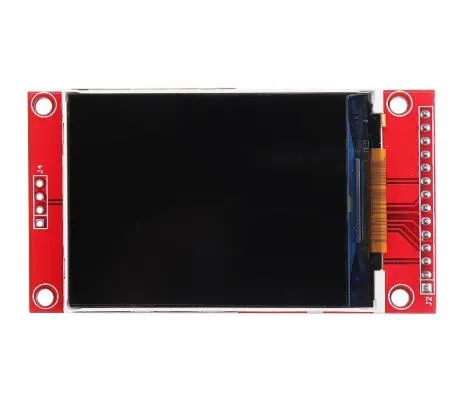
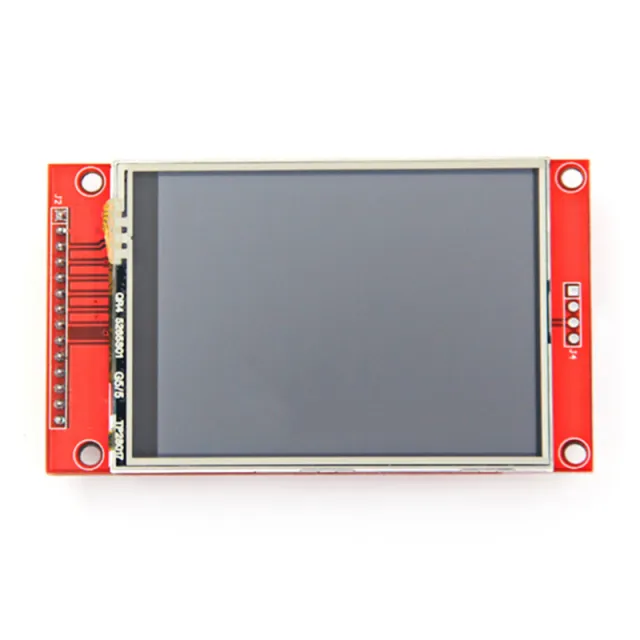
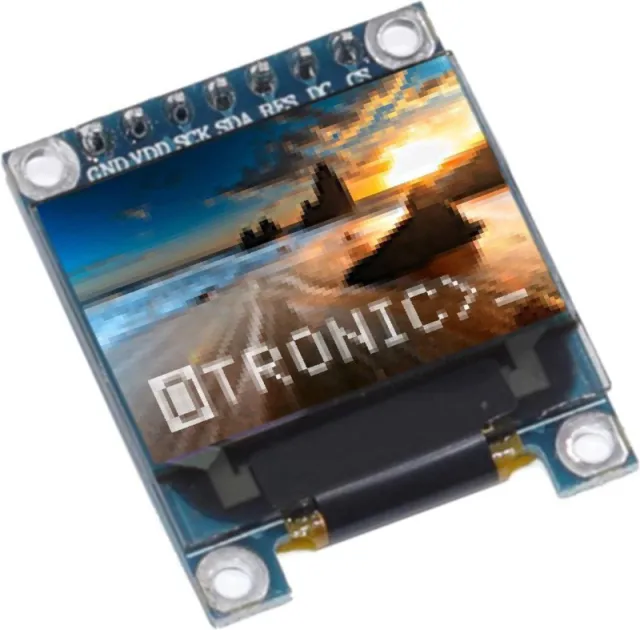
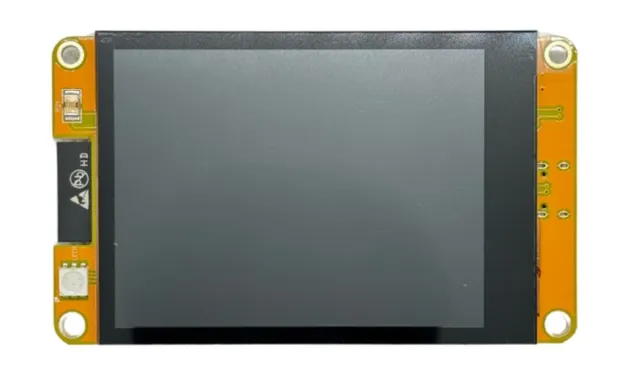
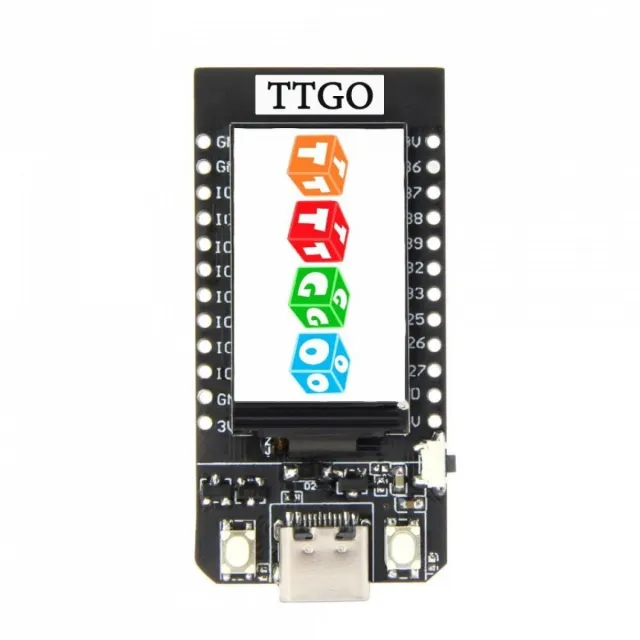
Una pequeña pantalla con una diagonal de 1.3". Con la alta densidad de píxeles de 260 ppi, es una fantástica pantalla de 240x240 píxeles con legibilidad desde todos los ángulos.
Las pantallas de este calibre también se utilizan para smartwatches y pequeños dispositivos electrónicos.
Dispone de controlador de pantalla ST7789 que funciona con todos los microcontroladores y microordenadores.
Es la mejor manera de añadir una pantalla pequeña, colorida y muy brillante a cualquier proyecto. Utiliza SPI de 4 hilos para comunicarse.
Con su propia memoria intermedia de fotogramas direccionable por píxel, incluso puede utilizarse con microcontroladores muy pequeños con poca memoria o pocos pines disponibles.
La pantalla tiene 240x240 píxeles de color completo de 16 bits y es IPS, por lo que el color se ve excelente hasta 80 grados desde cualquier eje en cualquier dirección. El controlador TFT (ST7789) es muy similar al popular ST7735 y está bien soportado por varias bibliotecas de Arduino.
Adafruit, por ejemplo, ha escrito una biblioteca gráfica completa de código abierto que puede dibujar píxeles, líneas, rectángulos, círculos, texto y mapas de bits en combinación con la biblioteca Adafruit GFX. (consulta esta página para empezar) Además, también hay código de ejemplo. Este código está escrito para Arduino, pero puede adaptarse fácilmente a tu microcontrolador favorito.
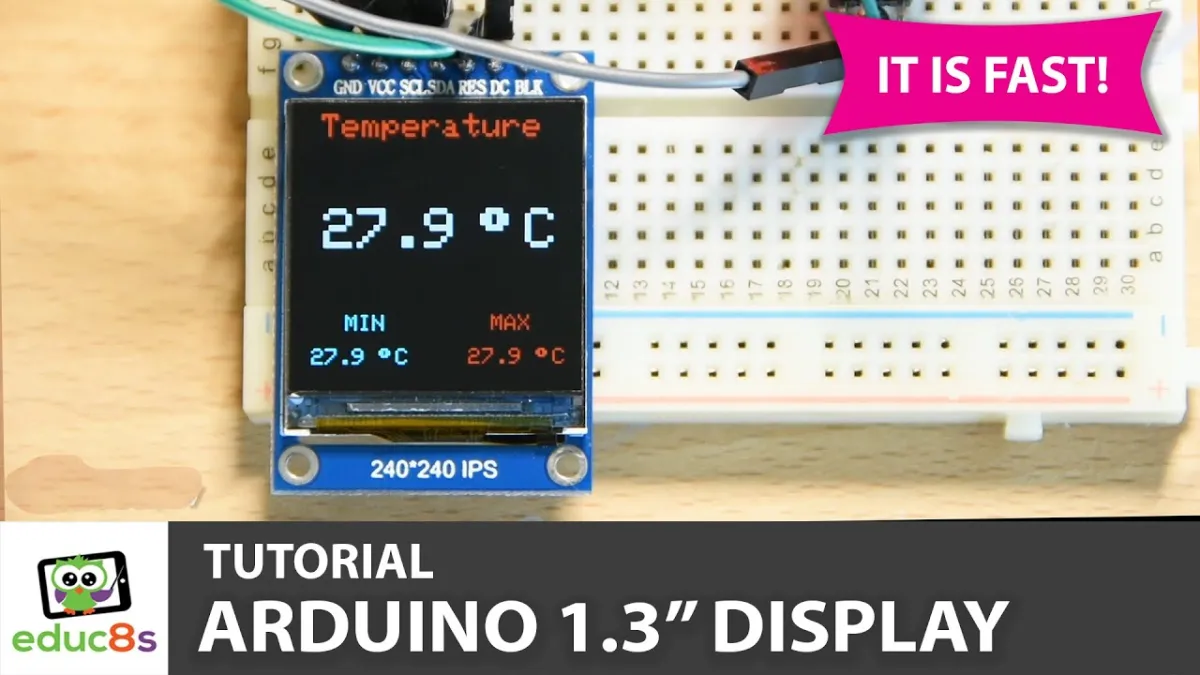
Al reproducirlo, se carga el vídeo de YouTube.
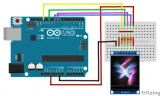
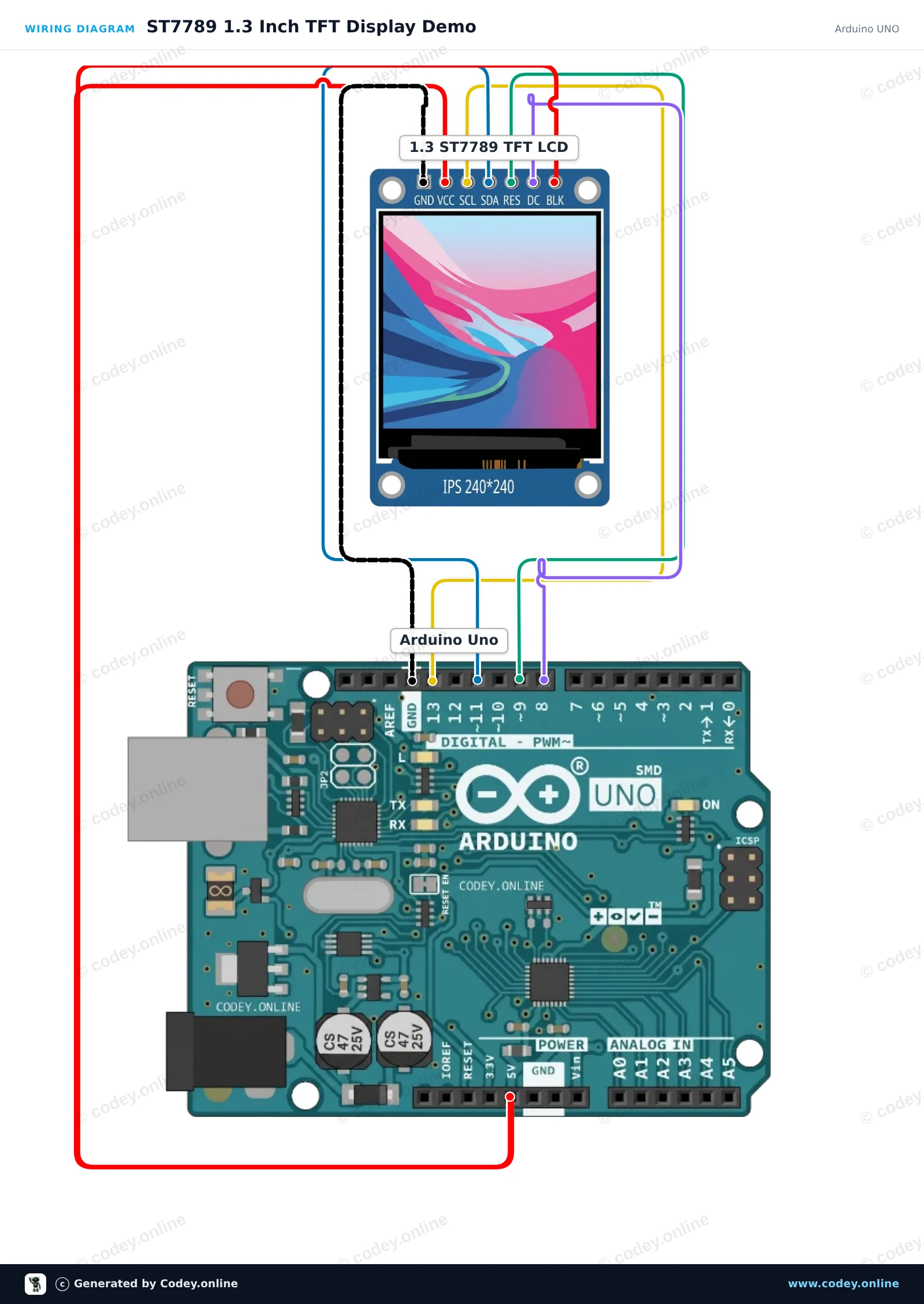
Así conectas el Pantalla LCD TFT SPI RGB de 1.3inch (ST7789, 3.3V) a un Arduino UNO o ESP32, con un sketch de ejemplo que puedes subir directamente.
Este proyecto inicializa una pantalla TFT SPI ST7789 de 1.3-inch 240x240 con un Arduino Uno. El sketch dibuja texto de saludo, formas y gráficos coloridos para demostrar las capacidades de la pantalla. Conecta la pantalla directamente a los pines SPI del Arduino como se muestra.
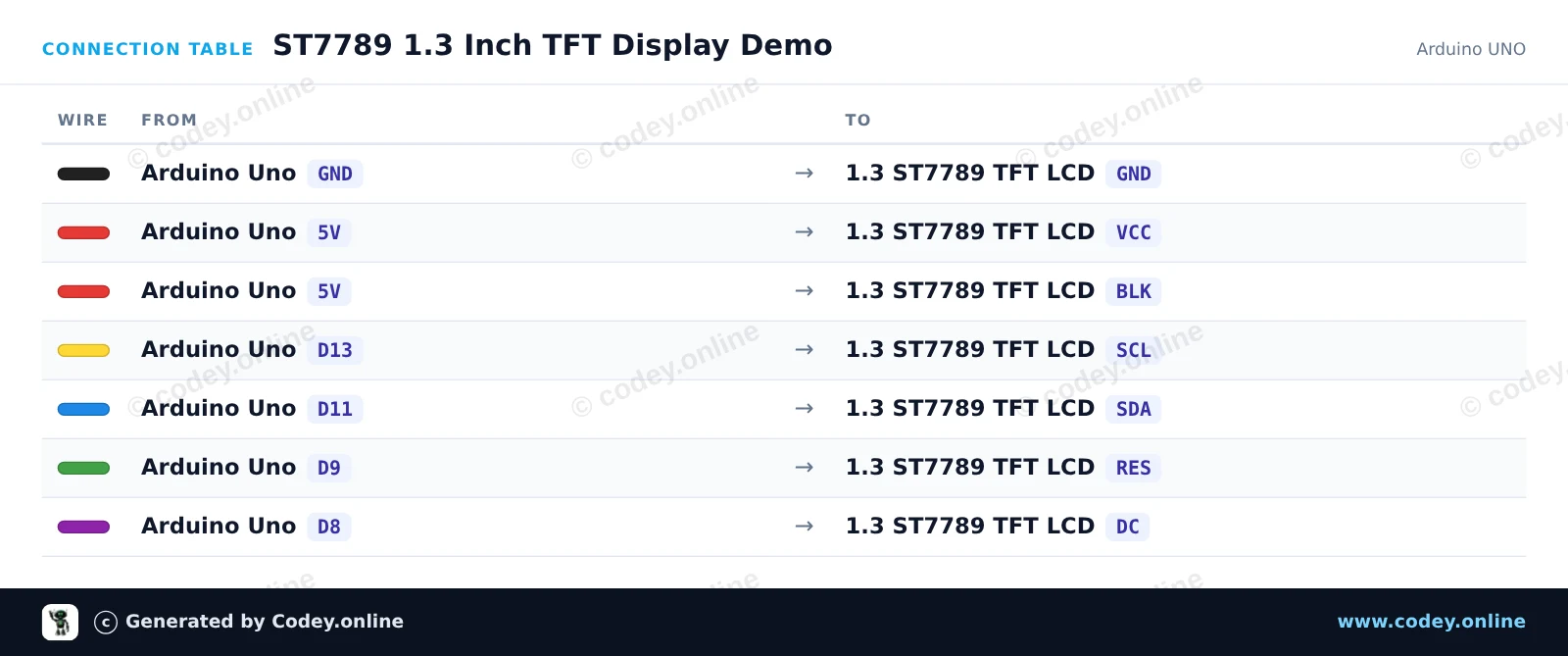
/*
 * ==================================================================
 *  Generated by Codey.online  —  https://www.codey.online
 * ==================================================================
 *  Project   : ST7789 1.3 Inch TFT Display Demo
 *  Board     : Arduino UNO (arduino:avr:uno)
 *  Parts     : LCD Display TFT 1.3inch ST7789
 *  Libraries : Adafruit ST7735 and ST7789 Library 1.11.0
 *
 *  Codey Online is an AI-powered browser IDE for Arduino and ESP32.
 *  Describe your project and Codey writes the code, draws the wiring
 *  diagram and uploads it to your board, straight from the browser.
 *  This code is free to use, modify and share, without warranty.
 * ==================================================================
 */

#include <Adafruit_ST7789.h>
#include <SPI.h>

#define TFT_CS   -1
#define TFT_DC    8
#define TFT_RST   9

Adafruit_ST7789 tft = Adafruit_ST7789(TFT_CS, TFT_DC, TFT_RST);

void setup() {
  Serial.begin(115200);
  Serial.println(F("ST7789 TFT Display Demo"));

  // Initialize 240x240 pixel ST7789 display
  tft.init(240, 240);
  tft.setRotation(0);
  tft.fillScreen(ST77XX_BLACK);

  // Draw greeting text
  tft.setTextWrap(false);
  tft.setTextSize(2);
  tft.setTextColor(ST77XX_WHITE);
  tft.setCursor(20, 20);
  tft.println(F("Hello!"));

  tft.setTextColor(ST77XX_CYAN);
  tft.setCursor(20, 50);
  tft.println(F("ST7789 1.3 TFT"));

  // Draw sample graphics
  tft.drawRect(10, 85, 220, 130, ST77XX_YELLOW);
  tft.fillCircle(60, 145, 25, ST77XX_RED);
  tft.fillTriangle(120, 185, 160, 115, 200, 185, ST77XX_GREEN);

  Serial.println(F("Display ready."));
}

void loop() {
  // Static demo
}Bibliotecas necesarias: Adafruit ST7735 and ST7789 Library 1.11.0
Wiring diagram and example code generated by Codey.online — https://www.codey.online
Este proyecto inicializa una pantalla TFT SPI de 240x240 de 1.3-inch usando el controlador ST7789. Dibuja formas, muestra texto y actualiza un contador en vivo en la pantalla cada segundo.
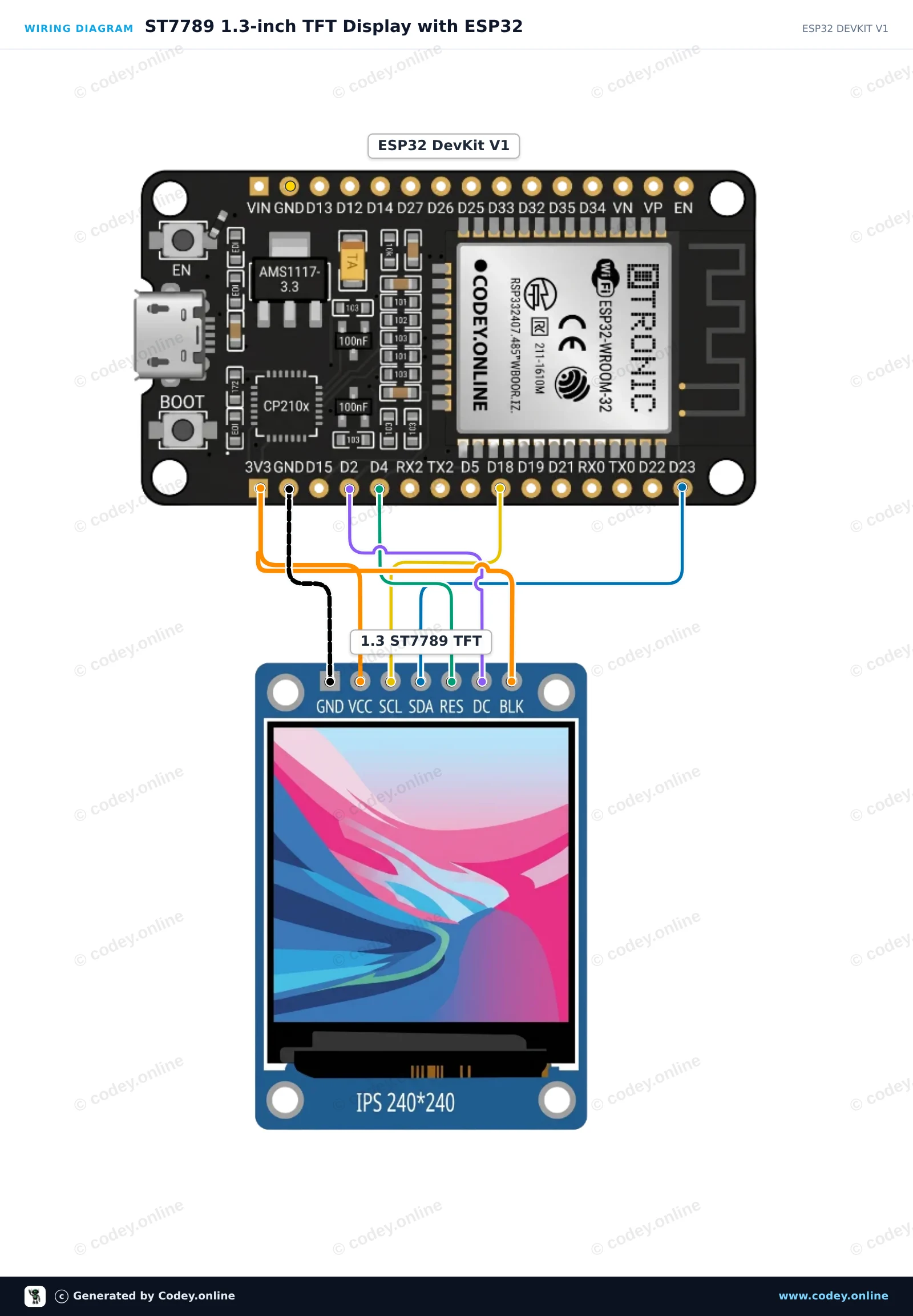
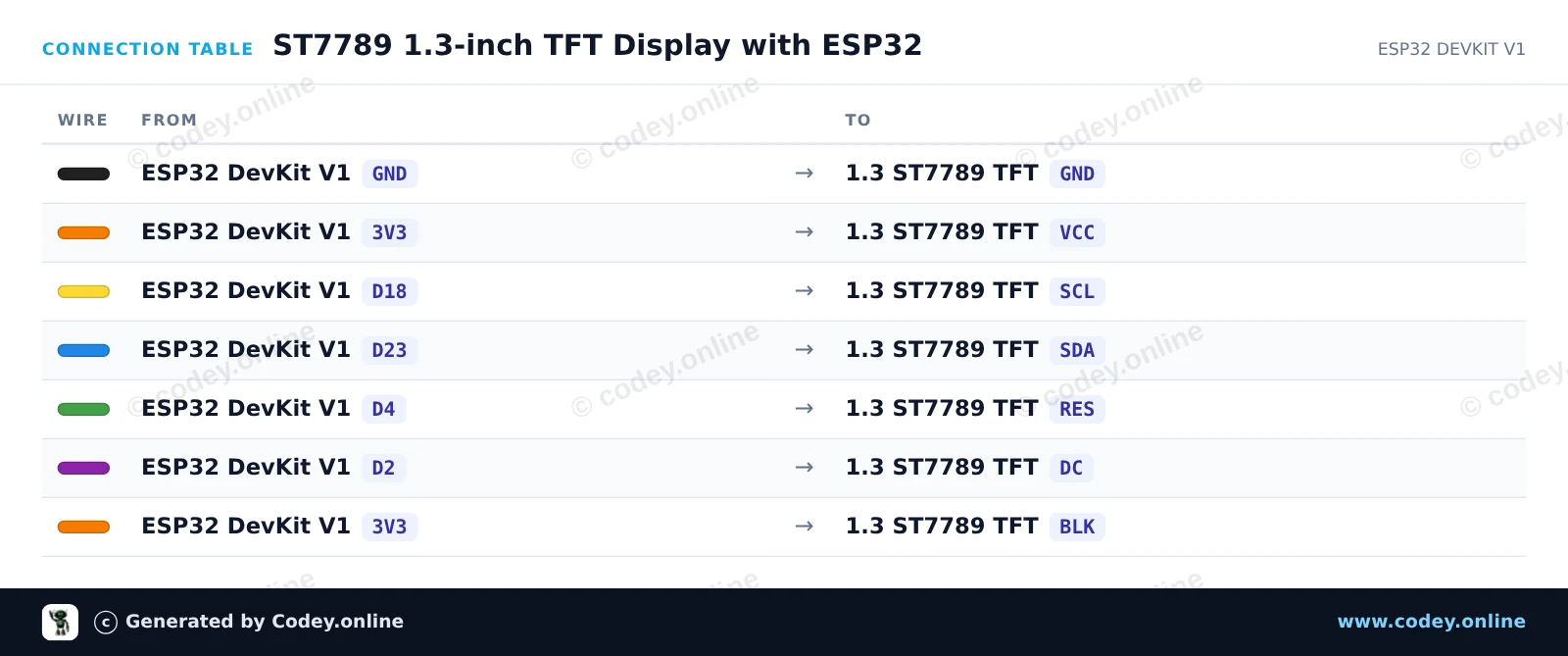
/*
 * ==================================================================
 *  Generated by Codey.online  —  https://www.codey.online
 * ==================================================================
 *  Project   : ST7789 1.3-inch TFT Display with ESP32
 *  Board     : ESP32 DEVKIT V1 (esp32:esp32:esp32doit-devkit-v1)
 *  Parts     : LCD Display TFT 1.3inch ST7789
 *  Libraries : Adafruit GFX Library 1.12.6, Adafruit ST7735 and ST7789 Library 1.11.0
 *
 *  Codey Online is an AI-powered browser IDE for Arduino and ESP32.
 *  Describe your project and Codey writes the code, draws the wiring
 *  diagram and uploads it to your board, straight from the browser.
 *  This code is free to use, modify and share, without warranty.
 * ==================================================================
 */

#include <Adafruit_GFX.h>
#include <Adafruit_ST7789.h>
#include <SPI.h>

#define TFT_DC    2
#define TFT_RST   4
#define TFT_CS   -1

Adafruit_ST7789 tft = Adafruit_ST7789(TFT_CS, TFT_DC, TFT_RST);

int counter = 0;

void setup() {
  Serial.begin(115200);

  // Initialize 240x240 ST7789 display
  tft.init(240, 240);
  tft.setRotation(2);
  tft.fillScreen(ST77XX_BLACK);

  // Draw frame and header
  tft.drawRect(10, 10, 220, 220, ST77XX_BLUE);
  tft.setTextColor(ST77XX_WHITE);
  tft.setTextSize(2);
  tft.setCursor(35, 30);
  tft.println("ESP32 ST7789");

  tft.fillCircle(120, 160, 35, ST77XX_RED);
}

void loop() {
  // Update counter area
  tft.fillRect(40, 80, 160, 30, ST77XX_BLACK);
  tft.setTextColor(ST77XX_GREEN);
  tft.setTextSize(2);
  tft.setCursor(45, 85);
  tft.printf("Count: %d", counter++);

  delay(1000);
}Bibliotecas necesarias: Adafruit GFX Library 1.12.6, Adafruit ST7735 and ST7789 Library 1.11.0
Wiring diagram and example code generated by Codey.online — https://www.codey.online





 English
  Nederlands
  Frans
Frans  Deutsch
  Italiano
  Suomi
Suomi  Polski
  Dansk
Dansk  Ελληνικά
  Български
  Čeština
  Hrvatski
  Aileen