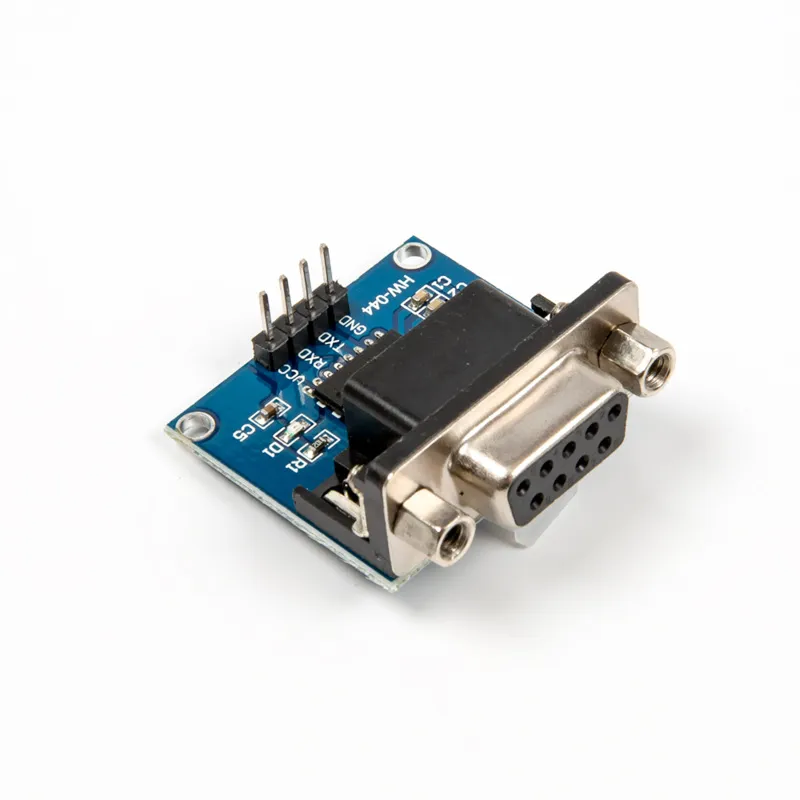
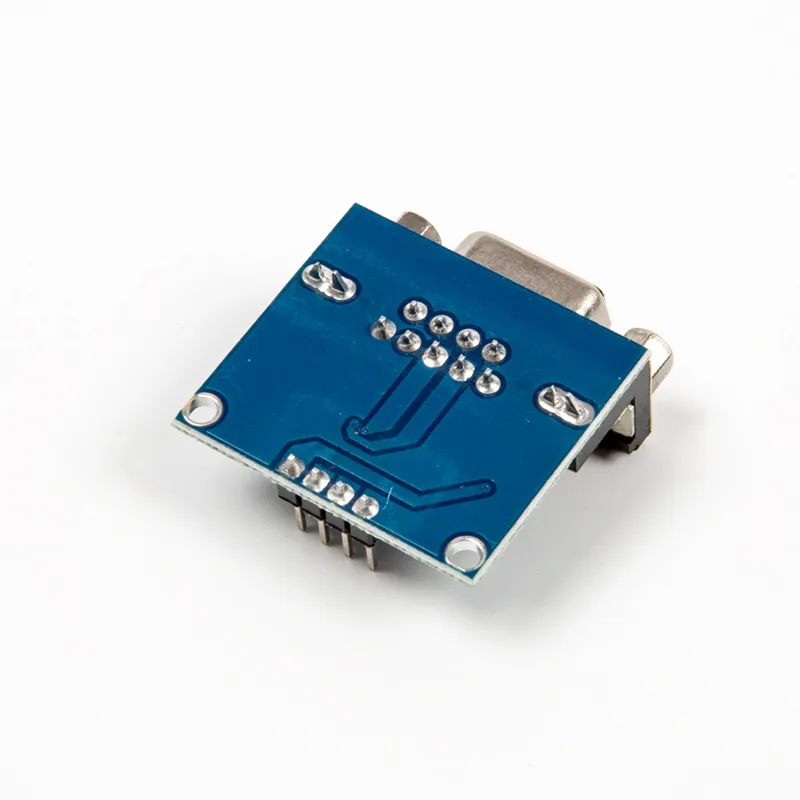
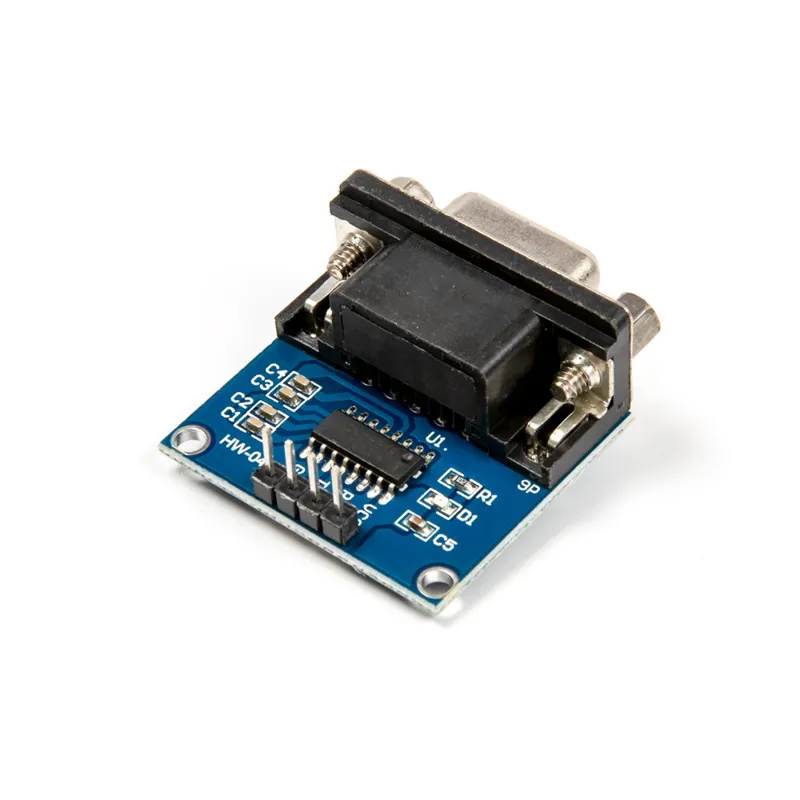
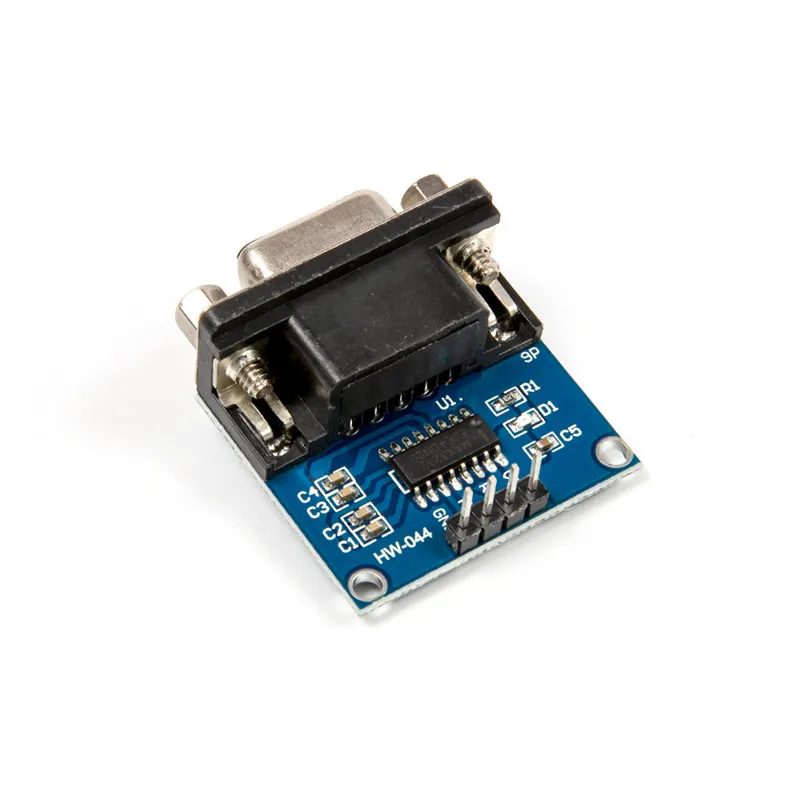
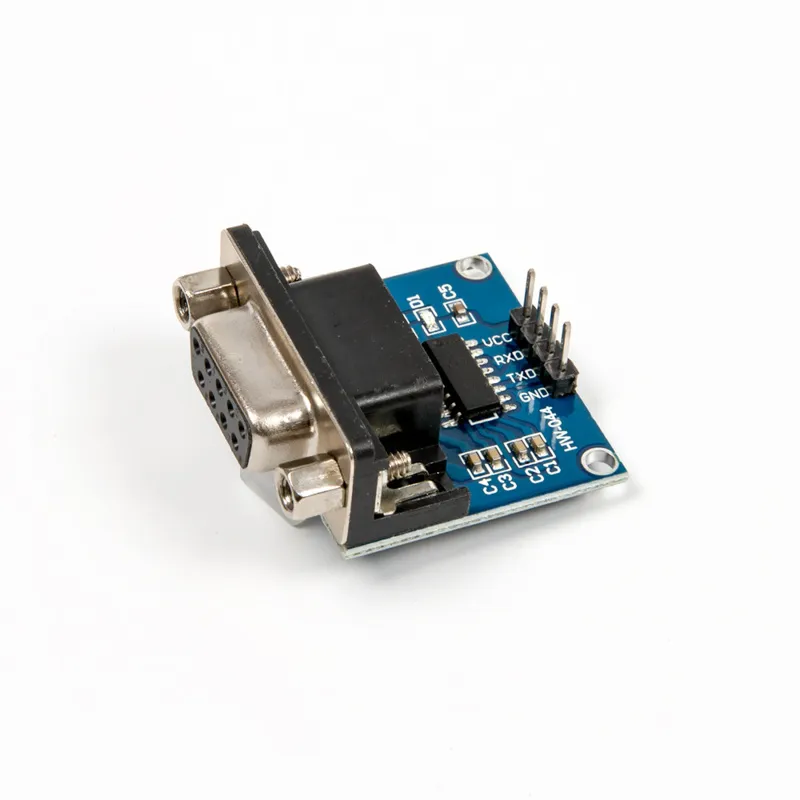
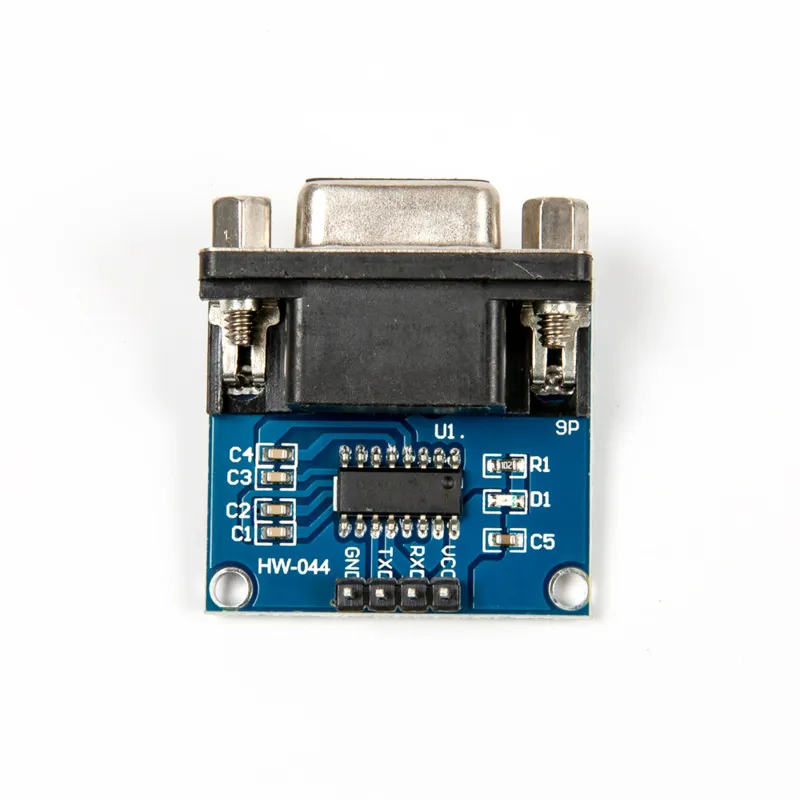
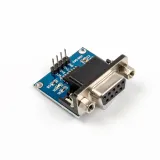
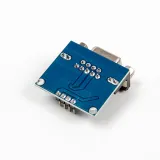
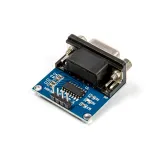
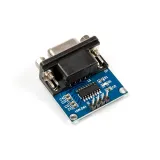
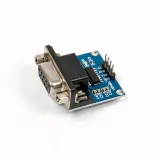
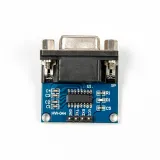
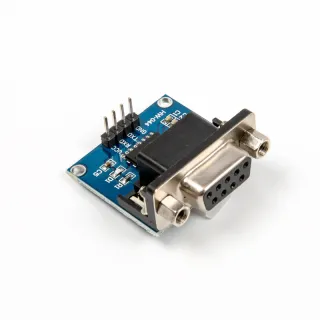
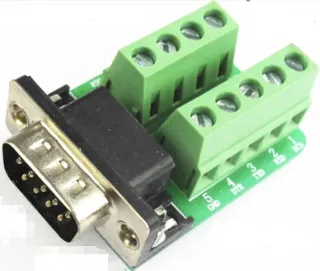
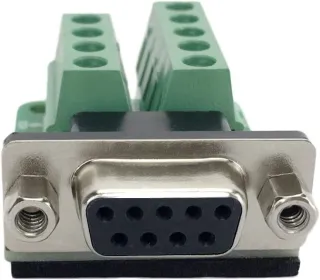
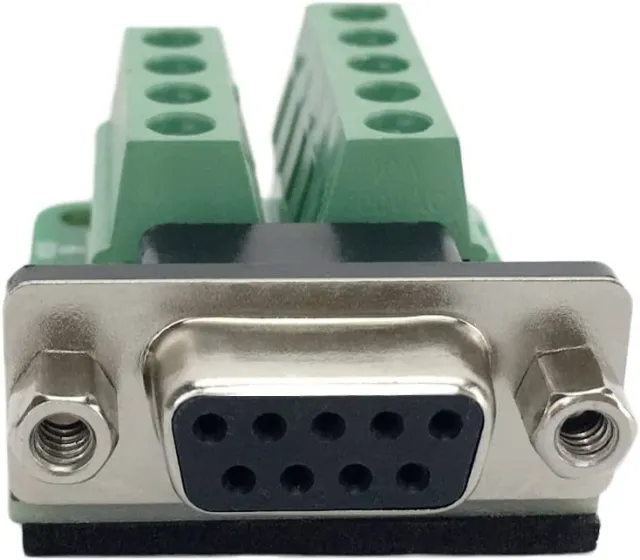
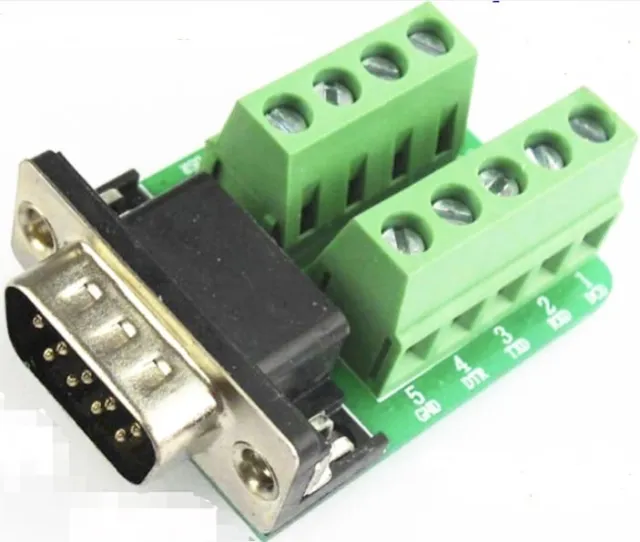
Módulo convertidor serie para quienes desean conectar RS232 con señales TTL.
SKU: OT3678 Número de artículo: NA652 EAN: 8720618690371 Ubicación: G09.01
Alternativa
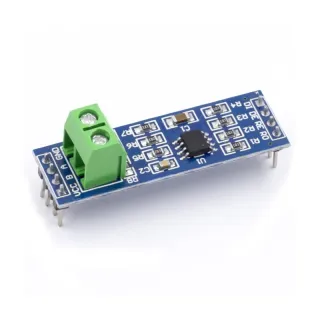
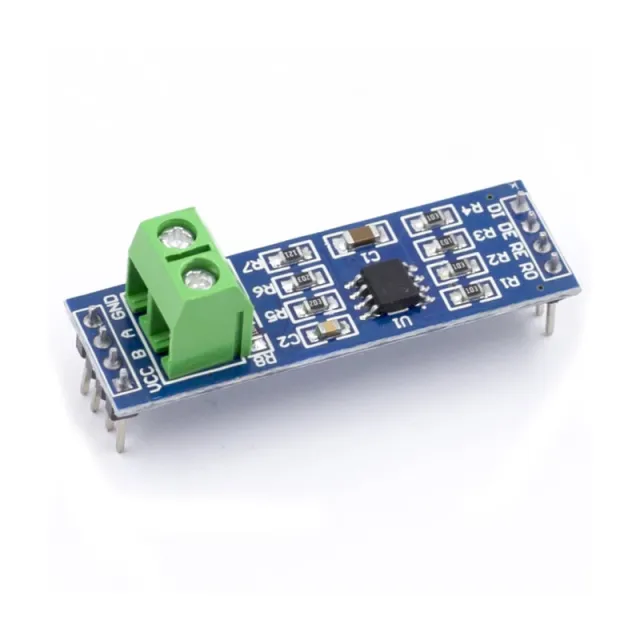
Módulo convertidor MAX485 TTL a RS485
€ 1,15
Ver esta alternativa
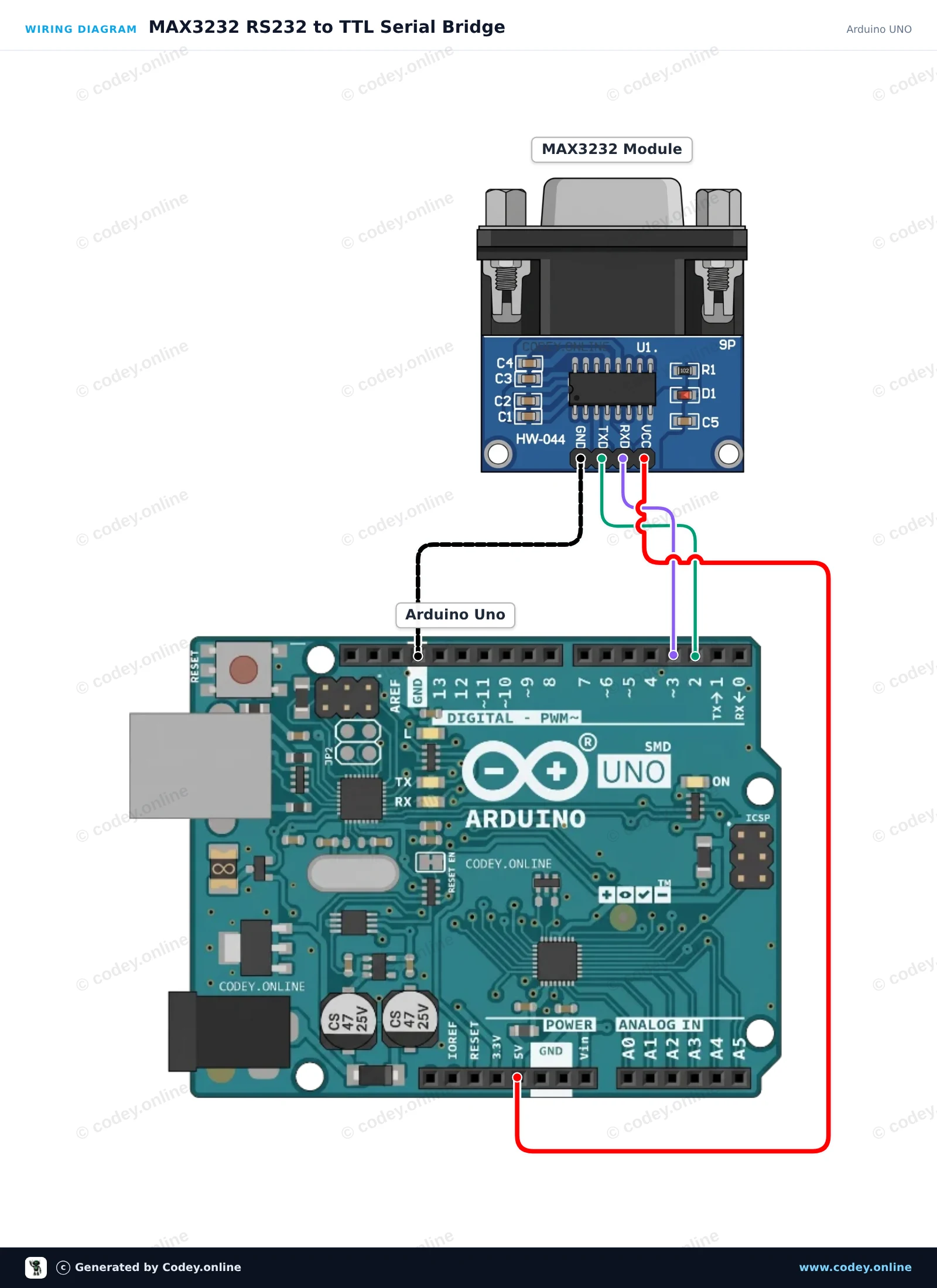
Así conectas el Módulo serie MAX3232 RS232 a TTL a un Arduino UNO o ESP32, con un sketch de ejemplo que puedes subir directamente.
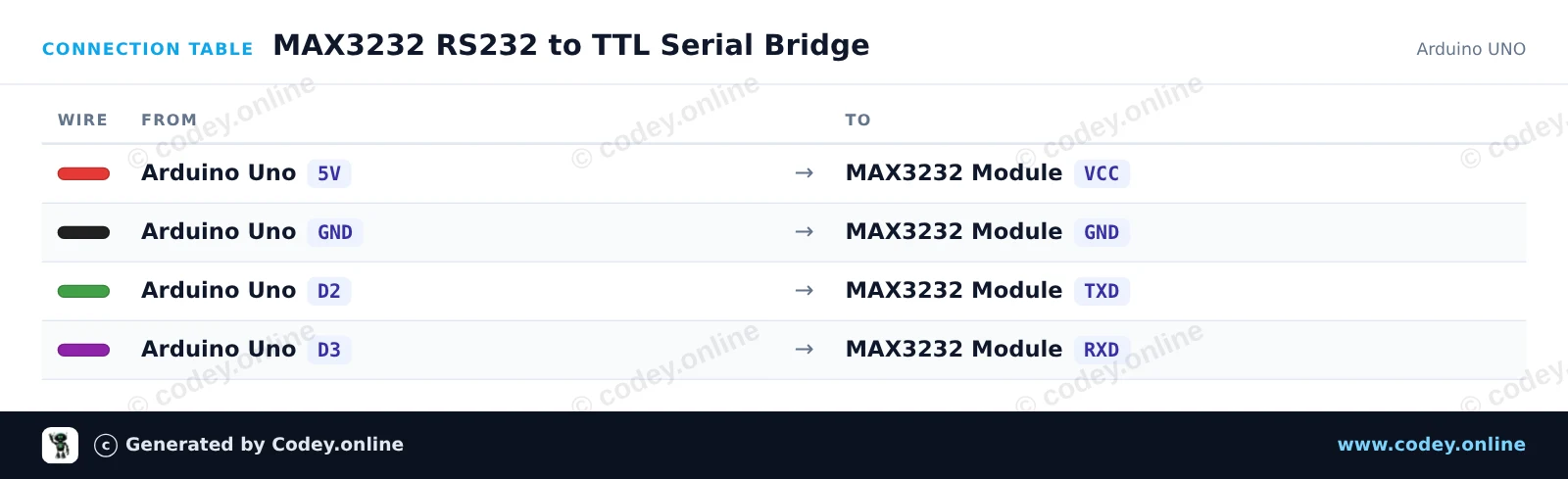
Este proyecto configura un puente serie transparente entre el monitor serie USB de Arduino y un dispositivo RS232 mediante el módulo MAX3232. SoftwareSerial se encarga de la comunicación en los pines D2 y D3 a 9600 baud, dejando libre el Serial hardware para el monitor del ordenador. Cada carácter escrito en el Serial Monitor se transmite por RS232, y cualquier byte RS232 entrante se muestra en el monitor.
/*
* ==================================================================
* Generated by Codey.online — https://www.codey.online
* ==================================================================
* Project : MAX3232 RS232 to TTL Serial Bridge
* Board : Arduino UNO (arduino:avr:uno)
* Parts : MAX3232 RS232 to TTL Serial Converter Module
* Libraries : none (built-in)
*
* Codey Online is an AI-powered browser IDE for Arduino and ESP32.
* Describe your project and Codey writes the code, draws the wiring
* diagram and uploads it to your board, straight from the browser.
* This code is free to use, modify and share, without warranty.
* ==================================================================
*/
#include <SoftwareSerial.h>
const uint8_t RX_PIN = 2; // Connect to MAX3232 TXD
const uint8_t TX_PIN = 3; // Connect to MAX3232 RXD
SoftwareSerial rs232Serial(RX_PIN, TX_PIN);
void setup() {
Serial.begin(115200);
rs232Serial.begin(9600);
Serial.println(F("--- MAX3232 RS232 Bridge Ready ---"));
Serial.println(F("Type in the Serial Monitor (115200 baud) to send over RS232 (9600 baud)."));
Serial.println(F("Any response from the RS232 device will appear here."));
}
void loop() {
// Forward characters from the USB Serial Monitor to the RS232 module
while (Serial.available() > 0) {
char c = Serial.read();
rs232Serial.write(c);
}
// Forward characters from the RS232 module to the USB Serial Monitor
while (rs232Serial.available() > 0) {
char c = rs232Serial.read();
Serial.write(c);
}
}
Wiring diagram and example code generated by Codey.online — https://www.codey.online
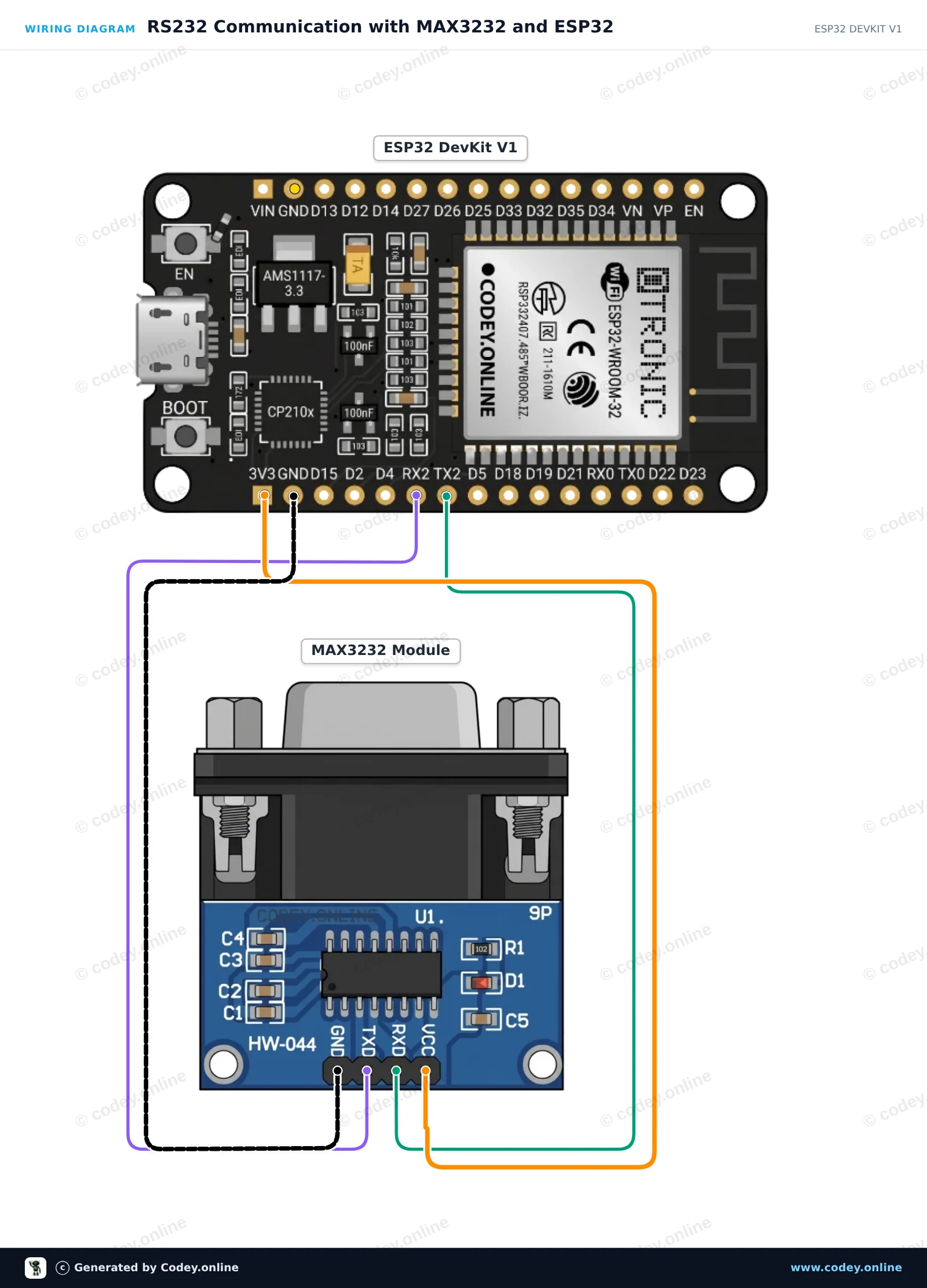
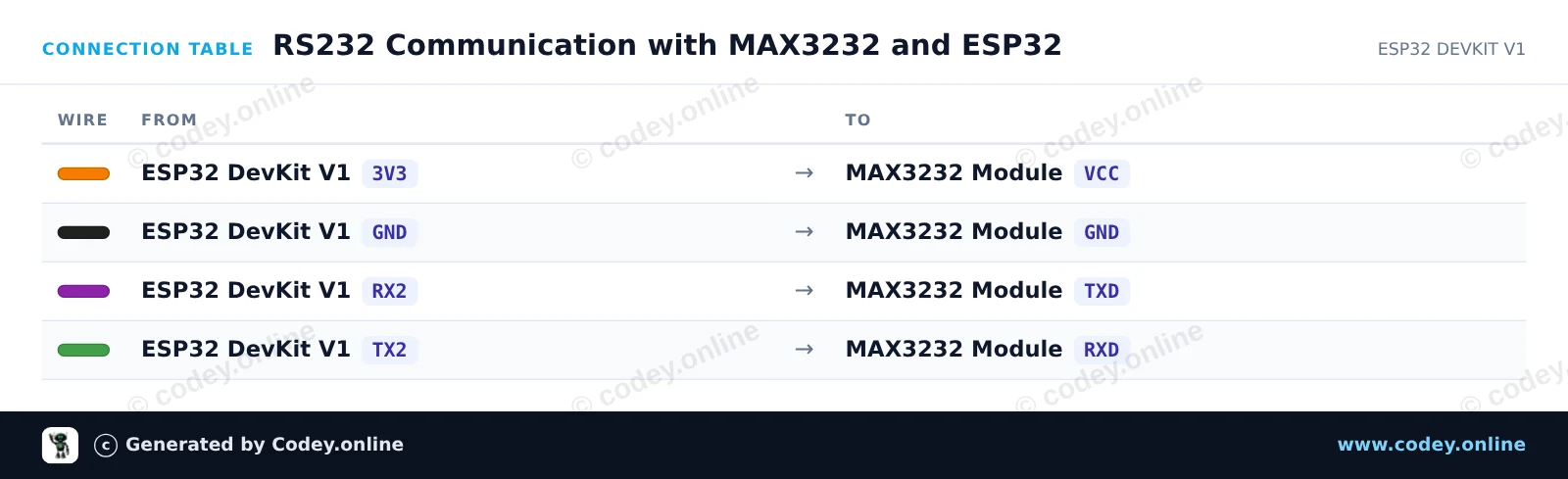
Este proyecto conecta un ESP32 a un módulo MAX3232 para habilitar la comunicación serie RS232. El ESP32 utiliza Hardware Serial2 para enviar y recibir señales RS232 a niveles lógicos de 3.3V. Para comprobar su funcionamiento en cuestión de minutos, une los pines 2 y 3 (RX y TX) del conector DB9 del módulo para una prueba de loopback que devuelve los mensajes salientes al Serial Monitor.
/*
* ==================================================================
* Generated by Codey.online — https://www.codey.online
* ==================================================================
* Project : RS232 Communication with MAX3232 and ESP32
* Board : ESP32 DEVKIT V1 (esp32:esp32:esp32doit-devkit-v1)
* Parts : MAX3232 RS232 to TTL Serial Converter Module
* Libraries : none (built-in)
*
* Codey Online is an AI-powered browser IDE for Arduino and ESP32.
* Describe your project and Codey writes the code, draws the wiring
* diagram and uploads it to your board, straight from the browser.
* This code is free to use, modify and share, without warranty.
* ==================================================================
*/
// MAX3232 RS232 Demo for ESP32 DEVKIT V1
// Uses Hardware Serial2: GPIO 16 (RX2) and GPIO 17 (TX2)
const int RX_PIN = 16;
const int TX_PIN = 17;
unsigned long lastSendTime = 0;
const unsigned long sendInterval = 2000; // Send a test string every 2 seconds
int messageCounter = 0;
void setup() {
// USB Serial Monitor
Serial.begin(115200);
while (!Serial && millis() < 2000);
// RS232 Port on Serial2 (9600 baud, 8N1)
Serial2.begin(9600, SERIAL_8N1, RX_PIN, TX_PIN);
Serial.println("--- MAX3232 RS232 Bridge Initialized ---");
Serial.println("Tip: Short DB9 pins 2 & 3 for an automatic loopback test.");
}
void loop() {
// Periodically send a message out via RS232
if (millis() - lastSendTime >= sendInterval) {
lastSendTime = millis();
messageCounter++;
String msg = "RS232 Test Message #" + String(messageCounter);
Serial2.println(msg);
Serial.print("[RS232 TX] ");
Serial.println(msg);
}
// Print any incoming data from the RS232 interface
if (Serial2.available()) {
Serial.print("[RS232 RX] ");
while (Serial2.available()) {
char inChar = (char)Serial2.read();
Serial.print(inChar);
}
}
// Forward any user input from Serial Monitor to RS232
if (Serial.available()) {
char outChar = (char)Serial.read();
Serial2.write(outChar);
}
}
Wiring diagram and example code generated by Codey.online — https://www.codey.online
Módulo convertidor de puerto serie MAX3232 RS232 a TTL con conector DB9
Los parámetros principales:
Chip de control: MAX3232
Tensión de funcionamiento: 3.3V-5V DC
Corriente de trabajo: 6mA
Alimentación: externa
Interfaz: TXD, RXD, GND, VCC
Dimensiones totales: 33 mm x 32 mm x 16 mm

| Dimensiones | 33 mm x 32 mm x 16 mm |
|---|---|
| Conexión | Conector DB9 |
| Modelo | MAX3232 |
| Corriente | 6mA |
Cumple perfectamente con las expectativas.
Funciona bien conectado al Esp32 para la conexión con un inversor híbrido
Aún no probado.
He conectado el módulo Rs232 a un Arduino Uno, para una conexión de datos Rs232 con un inversor híbrido Anenji para leer los datos actuales de este. Funciona de maravilla y estoy muy contento con él.
¡buenos productos!
¿No te convence? Tienes 30 días desde la recepción para devolver el producto.
Todo sobre devoluciones
Módulo serie MAX3232 RS232 a TTL